Skip to content

Create Resource Pool Snapshots

Last updated on

To create a Resource Pool Snapshot (or short Snapshot), that is, a point-in-time image of the Resource Pool, go to “File Storage > Resource Pools” and click on the Resource Pool in the list that you want to create the Snapshot on. In our case, we will use “test_resource_pool_002”.
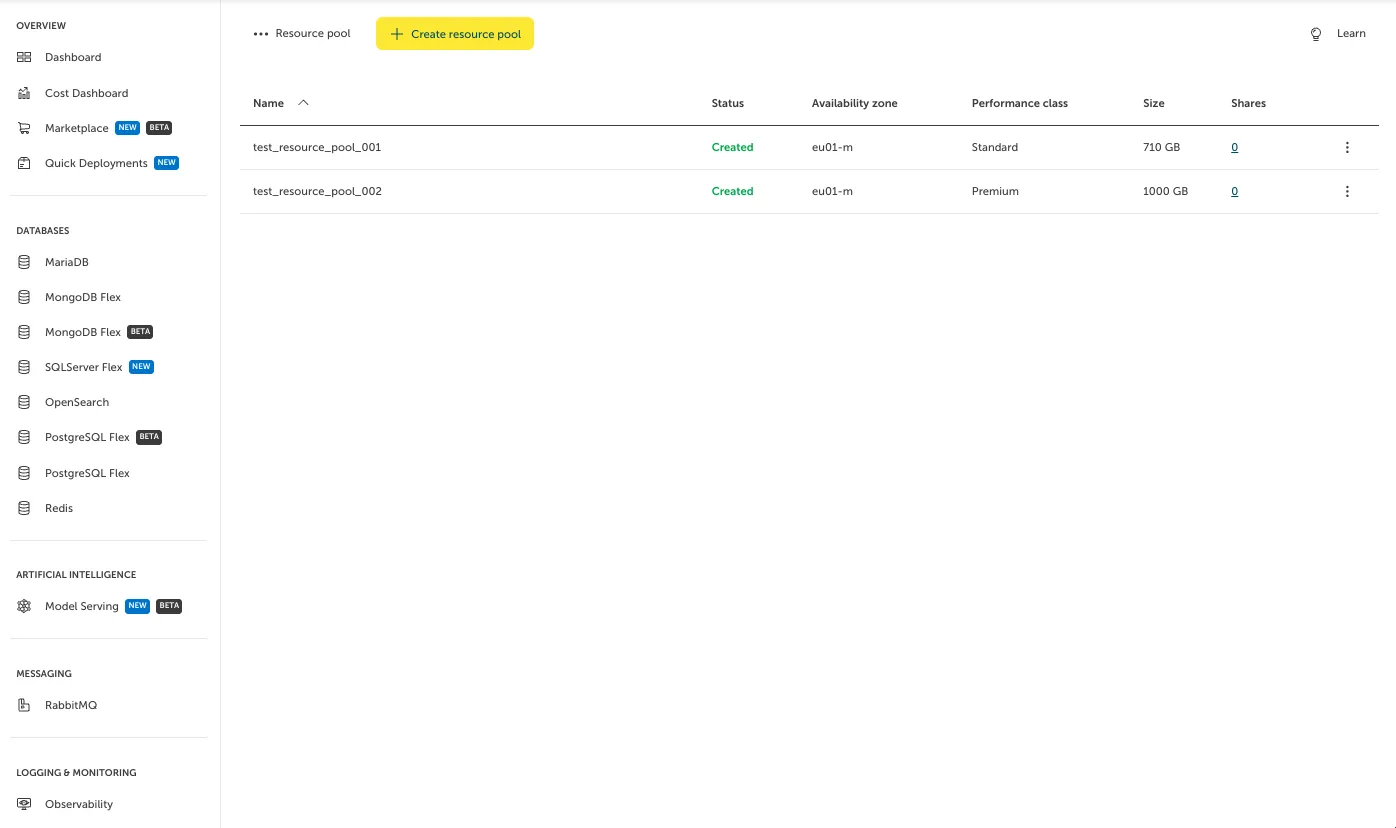
Screenshot of the "Resource pool" overview dashboard in the STACKIT Portal interface. The left navigation panel displays high-level categories like Databases, Artificial Intelligence, and Messaging. The main area contains a yellow "Create resource pool" button and a table listing active pools named "test_resource_pool_001" and "test_resource_pool_002" with a "Created" status, located in availability zone "eu01-m". Their respective sizes are 710 GB (Standard performance class) and 1000 GB (Premium performance class).

On the side, you can see and select “Snapshots”.
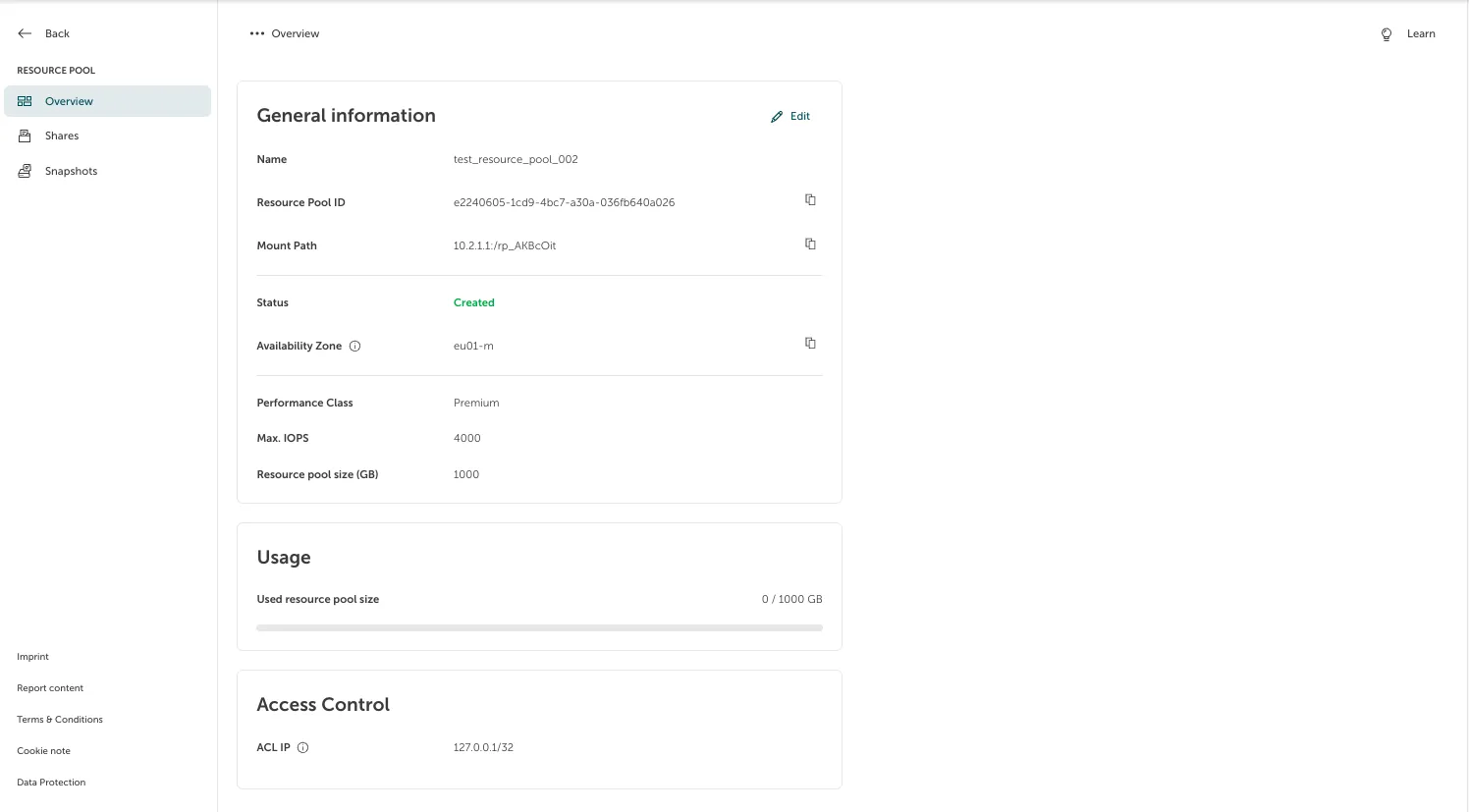
Screenshot of the resource pool management view in the STACKIT Portal. The left-hand navigation panel highlights "Overview" under the "RESOURCE POOL" section, with menu links below for "Shares" and "Snapshots". The main interface displays three structured metadata cards: "General information" featuring a pool named "test_resource_pool_002", "Usage" displaying 0 / 1000 GB used, and "Access Control" showing an authorized ACL IP.

You can create a (or multiple) dedicated Snapshot at any time. To do so, click “Create Snapshot”.
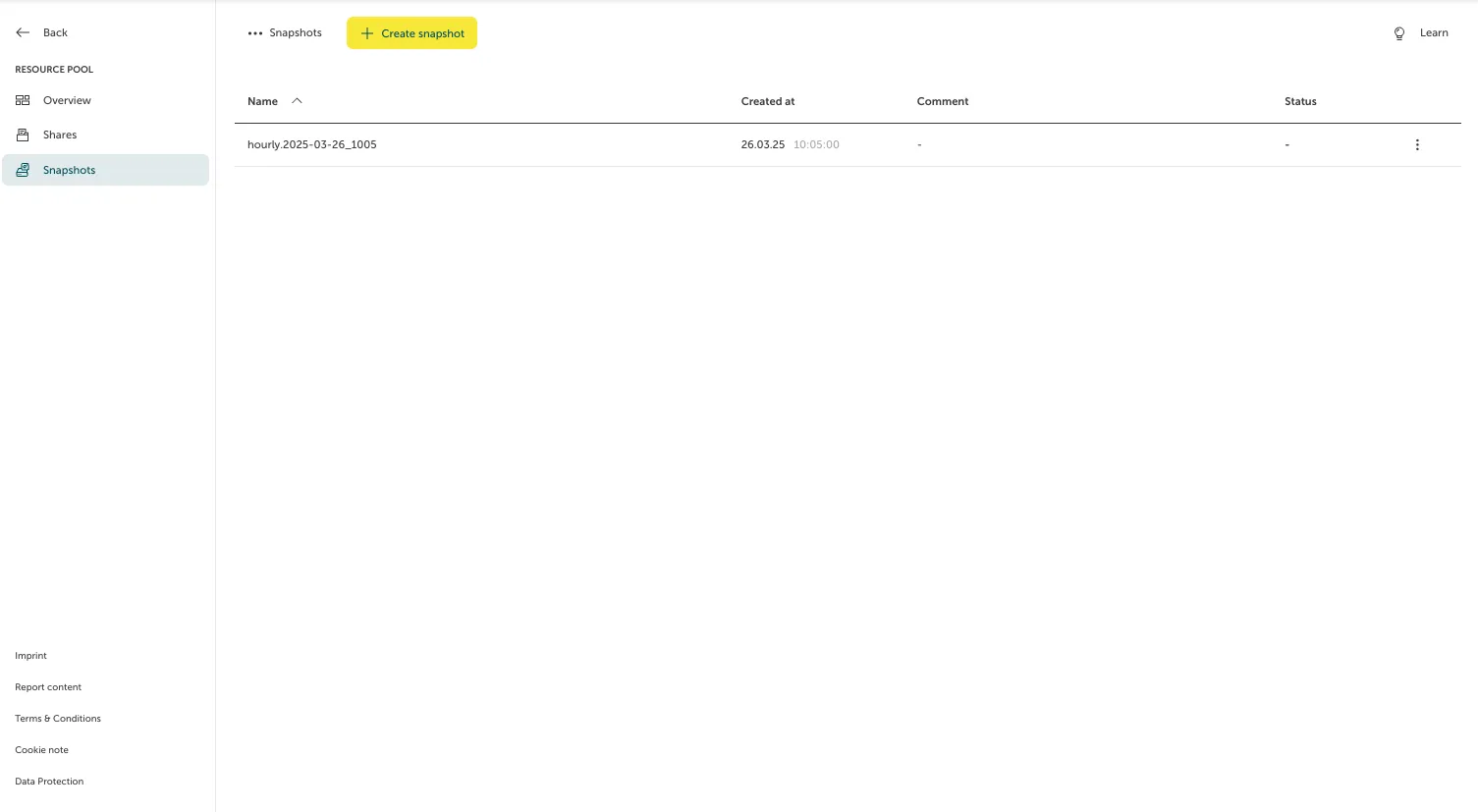
Screenshot of the "Snapshots" overview page under a resource pool section in the STACKIT Portal. The left navigation panel has the "Snapshots" tab highlighted. The main area contains a yellow "Create snapshot" button at the top and a table displaying one existing snapshot row with the name "hourly.2025-03-26_1005", created on "26.03.25 10:05", with empty comment and status placeholders.

A form will pop up, where you can type the name, optional comment and immutability settings for the Snapshot. Clicking on “Create” will create the Snapshot. If immutability is selected, you can define the days and hours the Snapshot should be immutable. This means that the Snapshot cannot be deleted until the defined time has passed.
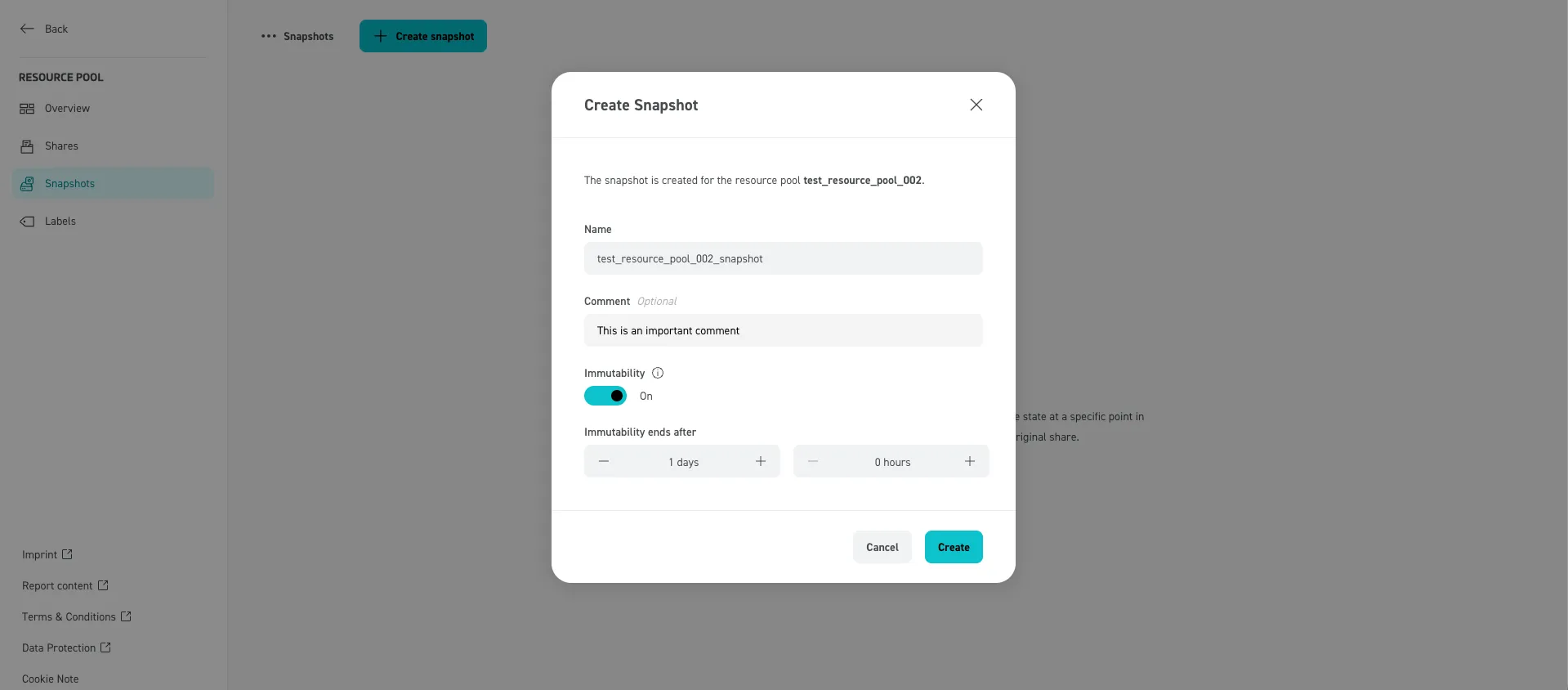
Screenshot of the "Create Snapshot" modal dialog window for the resource pool "test_resource_pool_002" in the STACKIT Portal. The form contains text input fields for the Name set to "test_resource_pool_002_snapshot" and an optional Comment. The "Immutability" toggle switch is set to "On", revealing duration selection controls under "Immutability ends after" configured to "1 days" and "0 hours". At the bottom right, a grey "Cancel" button and a blue "Create" button are visible.